Follow these detailed instructions to Edit your Classifieds Listing.
App Instructions
Mobile App
-
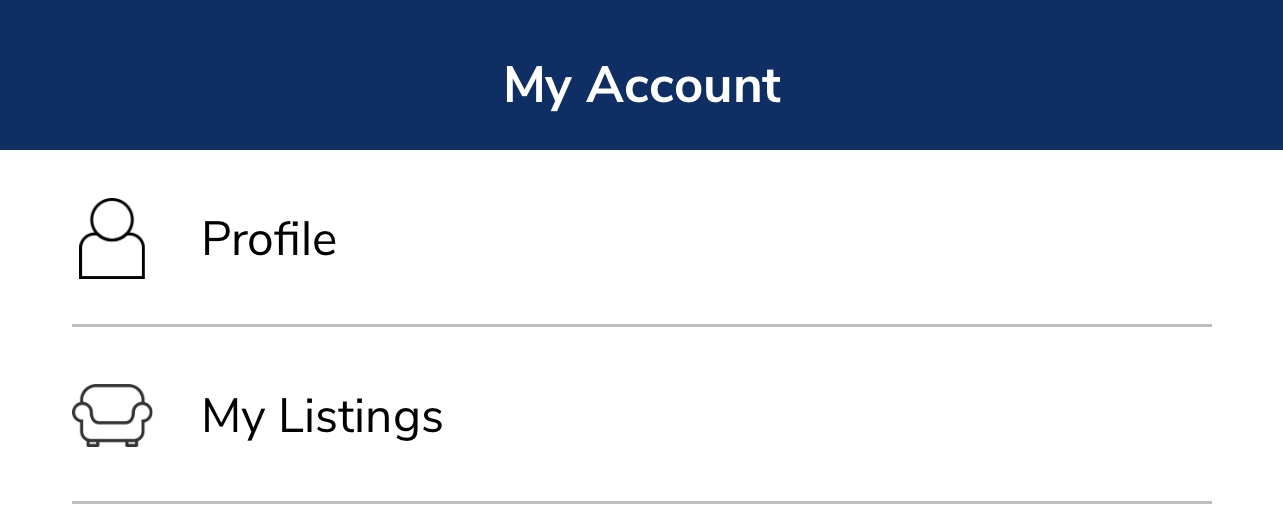
Open the KSL Classifieds app and tap My Account in the bottom navigation bar.
-
Select My Listings
-
Tap the three dots on the listing card, then tap Edit.
-
When your listing is ready, click or tap Save.

Web Instructions
KSL.com
-
From KSL.com, click or tap the account icon in the upper-right corner.
-
Select My Listings from the dropdown menu.
-
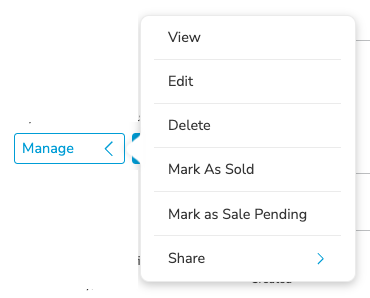
Select Manage on the listing you wish to modify and then Edit
-
When your listing is ready, click or tap Save.
Questions?
If you have questions or concerns regarding your Classifieds Listing, please contact our Support Team at support@ksl.com or (801) 515-2309. We’re happy to provide additional assistance!
Comments
Article is closed for comments.